
Introduction to AI-Powered SaaS
What Makes SaaS Different Today
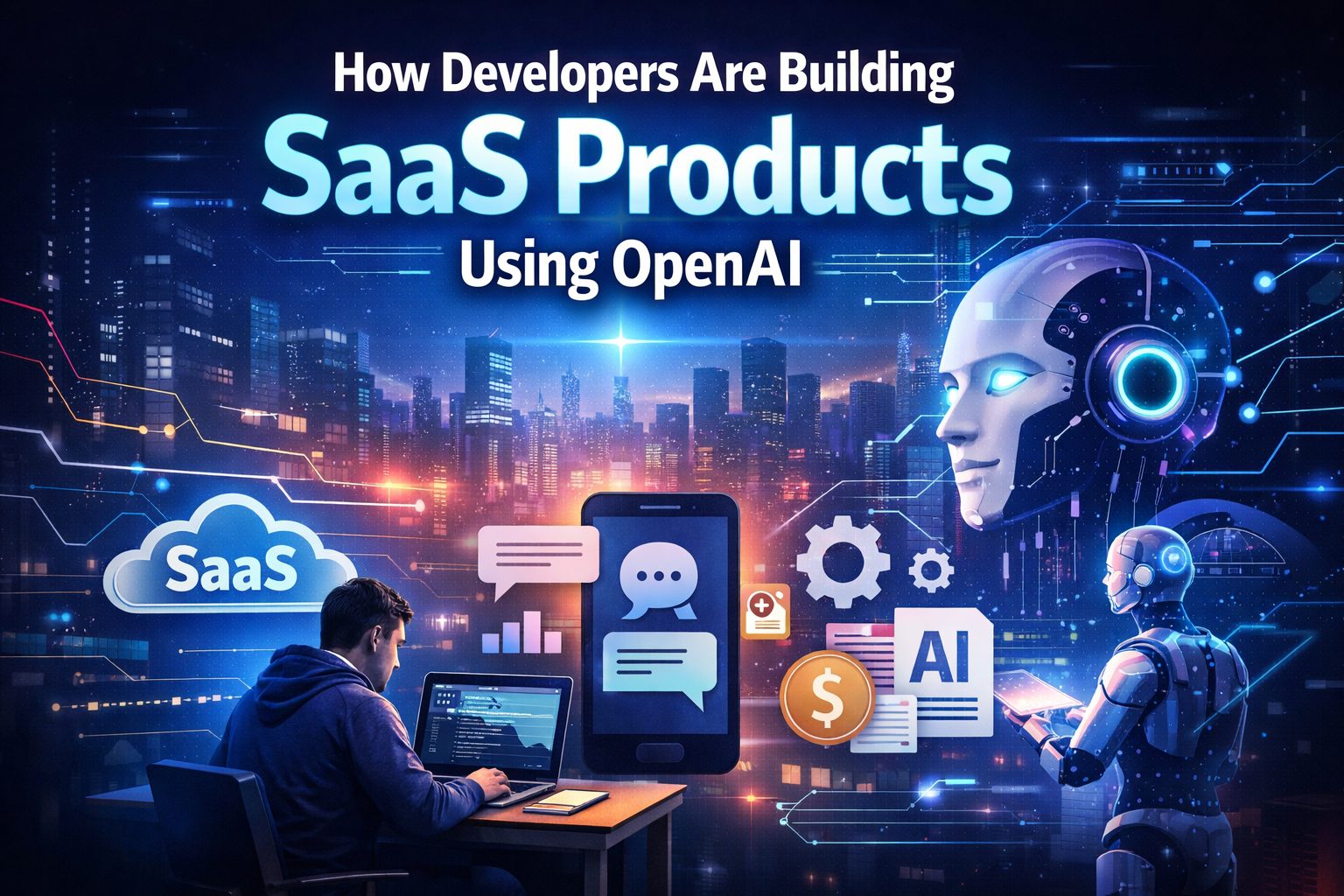
Software-as-a-Service used to be simple: log in, use a tool, get work done. But now? SaaS is getting brains. Instead of just storing data or managing tasks, modern SaaS platforms think, write, analyze, and even talk back. That shift is largely powered by artificial intelligence — and OpenAI is right at the center of it.
Why AI Is the Game-Changer
Think about traditional software like a calculator. You press buttons, it follows rules. AI-powered SaaS is more like a smart assistant. You describe what you want, and it figures out the “how.” That’s a massive leap. Businesses are no longer just buying tools — they’re hiring digital teammates.
Understanding OpenAI’s Role in SaaS
APIs That Power Intelligent Apps
Developers don’t have to build AI models from scratch anymore. OpenAI provides APIs that plug directly into apps. These APIs can generate text, summarize documents, write code, analyze data, and even understand images.
It’s like having a super-intelligent engine under the hood, while developers focus on building the car around it.
From Text to Vision — AI Capabilities
OpenAI models can:
- Write emails, blogs, and reports
- Answer customer questions
- Generate code snippets
- Analyze user feedback
- Understand images and documents
That versatility is exactly why SaaS founders are rushing to integrate AI into their products.
Why Developers Are Choosing OpenAI
Speed of Development
Building an AI model used to take months, huge datasets, and serious research expertise. Now? A developer can integrate OpenAI in a weekend. That speed means startups can launch faster and test ideas quickly.
Cost Efficiency
Training large AI models costs millions. Using OpenAI’s API means paying only for what you use. It’s like renting intelligence instead of building a data center.
Scalability Without Infrastructure Headaches
When your SaaS app grows from 100 users to 100,000, the AI still works. OpenAI handles the heavy lifting on the backend, so developers don’t have to worry about scaling complex AI systems.
Popular SaaS Categories Built with OpenAI
AI Writing Assistants
Tools that help users write blogs, ads, emails, and social posts are booming. They save time and remove writer’s block — like having a copywriter on demand.
Customer Support Automation
AI chatbots now handle support tickets, answer FAQs, and even solve basic issues. Businesses reduce support costs while customers get instant responses.
Marketing & Sales Tools
From generating ad copy to analyzing customer conversations, AI helps marketers move faster and sell smarter.
Coding Assistants
Some SaaS tools now help developers write, debug, and explain code. It’s like pair programming with an AI partner.
Education Platforms
AI tutors explain concepts, generate quizzes, and personalize learning paths. Education SaaS is becoming more interactive and adaptive than ever.
Step-by-Step: How Developers Build AI SaaS
Step 1 – Identifying the Problem
Every great SaaS starts with a pain point. Developers ask: What task is repetitive, slow, or frustrating? AI works best when it removes mental workload.
Step 2 – Choosing the Right AI Model
Different OpenAI models are optimized for different tasks — text generation, reasoning, coding, or image understanding. Choosing the right one impacts cost, speed, and performance.
Step 3 – Designing the User Experience
Here’s where many fail. AI is powerful, but if the interface is confusing, users won’t stick around. Developers design simple inputs (like chat boxes) and clear outputs.
Step 4 – Backend + OpenAI Integration
This is the technical core. The app sends user input to OpenAI’s API, receives a response, and displays it. Developers add logic to handle errors, limits, and formatting.
Step 5 – Testing & Fine-Tuning
AI responses aren’t always perfect. Developers test different prompts, adjust instructions, and refine outputs until results are reliable.
Step 6 – Launch and Iterate
After launch, real users provide feedback. Developers analyze usage patterns and improve prompts, features, and performance over time.
Tech Stack Commonly Used
Frontend Technologies
Most AI SaaS tools use React, Next.js, or Vue for fast, responsive interfaces. Chat-style designs are especially popular.
Backend Frameworks
Node.js, Python (FastAPI/Django), and serverless functions are common choices for handling API calls and business logic.
Databases & Hosting
Firebase, Supabase, PostgreSQL, and AWS are often used to store user data and manage authentication.
OpenAI API Integration
Developers connect to OpenAI using REST APIs or SDKs. Secure API key management and usage tracking are critical parts of the setup.
Prompt Engineering – The Secret Sauce
What Is Prompt Engineering?
Prompt engineering is the art of telling the AI exactly what you want. Small wording changes can completely transform results.
Why It Matters for SaaS
Your AI SaaS product is only as good as its prompts. A well-crafted prompt can turn a generic answer into a professional-level output.
Examples of Effective Prompts
Instead of: “Write a product description”
Try: “Write a persuasive product description for a luxury smartwatch, targeting professionals aged 25–40, highlighting productivity and style.”
Specific prompts = better outputs.
Monetization Models for AI SaaS
Subscription Tiers
Users pay monthly or yearly. Higher tiers unlock more usage, features, or advanced AI capabilities.
Pay-Per-Use
Some platforms charge based on how much AI processing a user consumes. It’s flexible and fair.
Freemium Strategies
Free basic access draws users in, while premium features drive revenue.
Challenges Developers Face
API Costs
Heavy AI usage can get expensive. Poor optimization can eat profits fast.
Response Accuracy
AI sometimes makes mistakes or “hallucinates.” That’s risky for professional tools.
Latency Issues
AI responses can take a few seconds. Slow apps frustrate users.
Data Privacy Concerns
Handling sensitive data requires careful security and compliance measures.
How Developers Solve These Challenges
Optimization Techniques
Shorter prompts and controlled outputs reduce token usage and cost.
Caching & Smart Usage
Saving frequent responses avoids repeated API calls.
Human-in-the-Loop Systems
Some SaaS tools let humans review AI outputs for quality control.
Real-World Examples of AI SaaS
AI Content Platforms
These tools help marketers create blog posts, ads, and emails in minutes.
AI Chatbots for Businesses
Companies deploy AI chatbots to manage customer queries 24/7.
AI Productivity Tools
From meeting summarizers to task planners, AI is becoming the ultimate work assistant.
The Role of UX in AI SaaS Success
Making AI Feel Human
Friendly language, typing animations, and conversational UI make AI feel less robotic.
Handling Errors Gracefully
Good SaaS tools explain when AI isn’t confident instead of pretending everything is perfect.
Future Trends in AI SaaS
Multi-Modal AI
Apps will soon combine text, images, audio, and video understanding in one place.
AI Agents
Instead of just answering questions, AI will complete tasks — booking meetings, writing reports, managing workflows.
Hyper-Personalization
AI SaaS will adapt to individual users, learning preferences and working styles.
Tips for Developers Starting Today
Start Small
Don’t build a giant platform first. Solve one problem extremely well.
Focus on Value
Cool AI isn’t enough. It must save time, make money, or reduce effort.
Iterate Fast
AI products improve through real-world usage. Launch early, learn quickly.
Conclusion
Developers are building SaaS products with OpenAI the same way builders use power tools instead of bare hands. It’s faster, smarter, and more scalable. The barrier to entry has dropped, which means innovation is exploding. From AI writers to smart assistants, the SaaS world is becoming more intelligent by the day. The real winners won’t just be the ones with the best AI — but the ones who combine AI with great user experience, clear value, and smart business models.