

Introduction
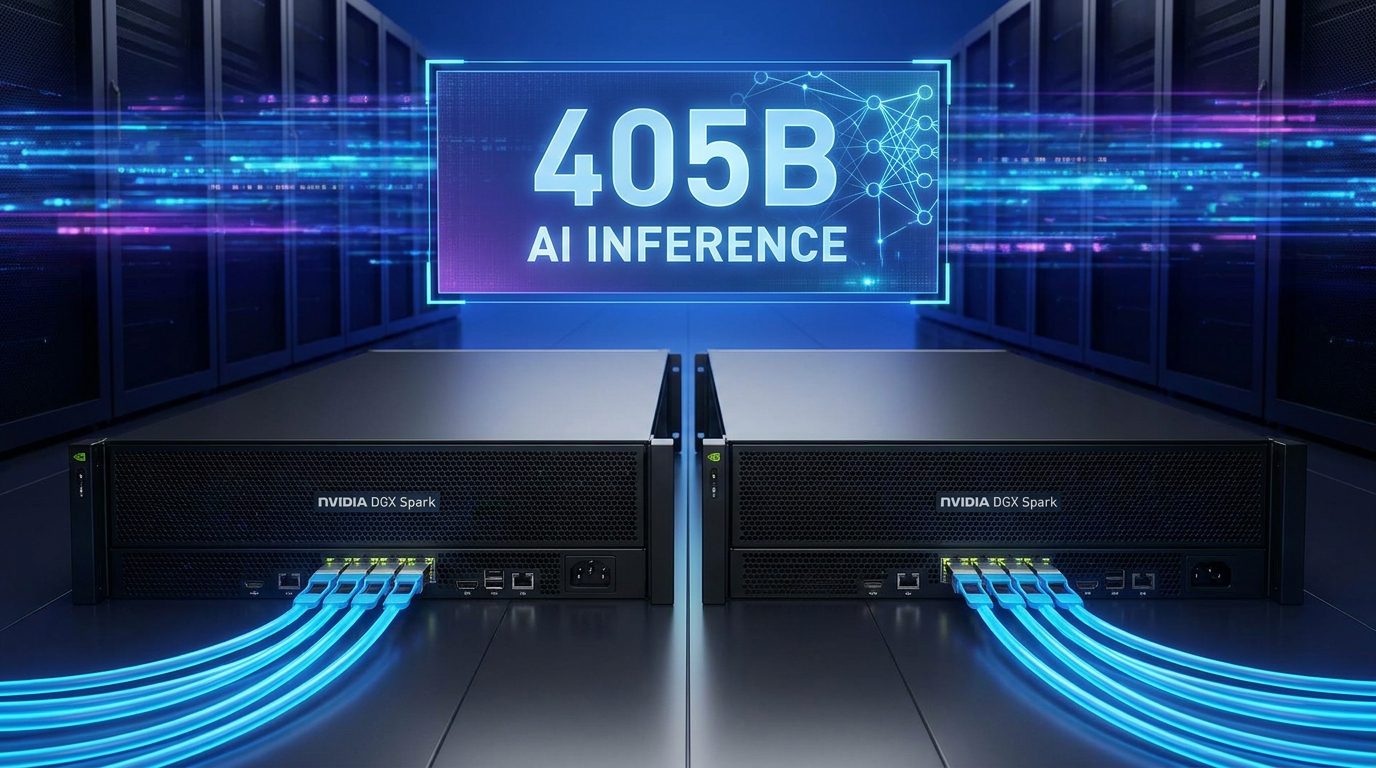
As AI models continue to expand, running a 405B parameter model demands substantial computing power and memory. A single NVIDIA DGX Spark unit may struggle to support such a large workload efficiently. Connecting two DGX Spark systems through a QSFP link helps overcome these limitations by combining resources and distributing inference tasks across multiple GPUs.
Understanding the Role of QSFP
QSFP, or Quad Small Form-Factor Pluggable, is a high-speed networking technology built for data-heavy environments. During 405B model inference, GPUs constantly exchange information. QSFP provides the bandwidth and low latency needed to keep data moving smoothly between DGX Spark units, reducing communication delays and improving overall efficiency.
Hardware Requirements
Before deployment, ensure both NVIDIA DGX Spark units support the required networking setup. You will also need compatible QSFP cables or transceivers. Keeping NVIDIA drivers, CUDA libraries, and inference frameworks consistent across both systems helps prevent compatibility issues and ensures stable cluster communication.
Connecting the Two DGX Spark Units
The setup process is simple. Connect the QSFP cable between the designated high-speed ports on both DGX Spark units. Once connected, confirm that each system detects the link correctly. A stable physical connection is essential for reliable multi-node operation.
Configuring the Network
Assign dedicated IP addresses to the QSFP interfaces on both systems. Using a dedicated network segment helps avoid congestion and provides more predictable performance. After configuration, test connectivity to verify that both nodes can communicate without issues.
Deploying the 405B Model
Configure your distributed inference framework to recognize both DGX Spark units as a single environment. The 405B model can then be partitioned across multiple GPUs and memory pools, allowing both systems to share the workload efficiently.
Optimizing Performance
Performance depends on factors such as network bandwidth, GPU utilization, memory allocation, and workload distribution. Monitor resource usage during testing and adjust model partitioning when necessary. Small tuning changes can significantly improve inference speed and efficiency.
Troubleshooting Tips
If performance is lower than expected, verify the QSFP link status, network settings, and software versions on both systems. Communication failures often result from configuration mismatches, firewall restrictions, or incompatible hardware components. Reviewing logs can help identify and resolve these issues quickly.
Conclusion
Connecting two NVIDIA DGX Spark units through a QSFP network is an effective way to support 405B model inference. By combining compute resources and enabling high-speed communication, organizations can run larger AI models more efficiently while maintaining strong inference performance.