
The Hidden Problem With WooCommerce Checkout
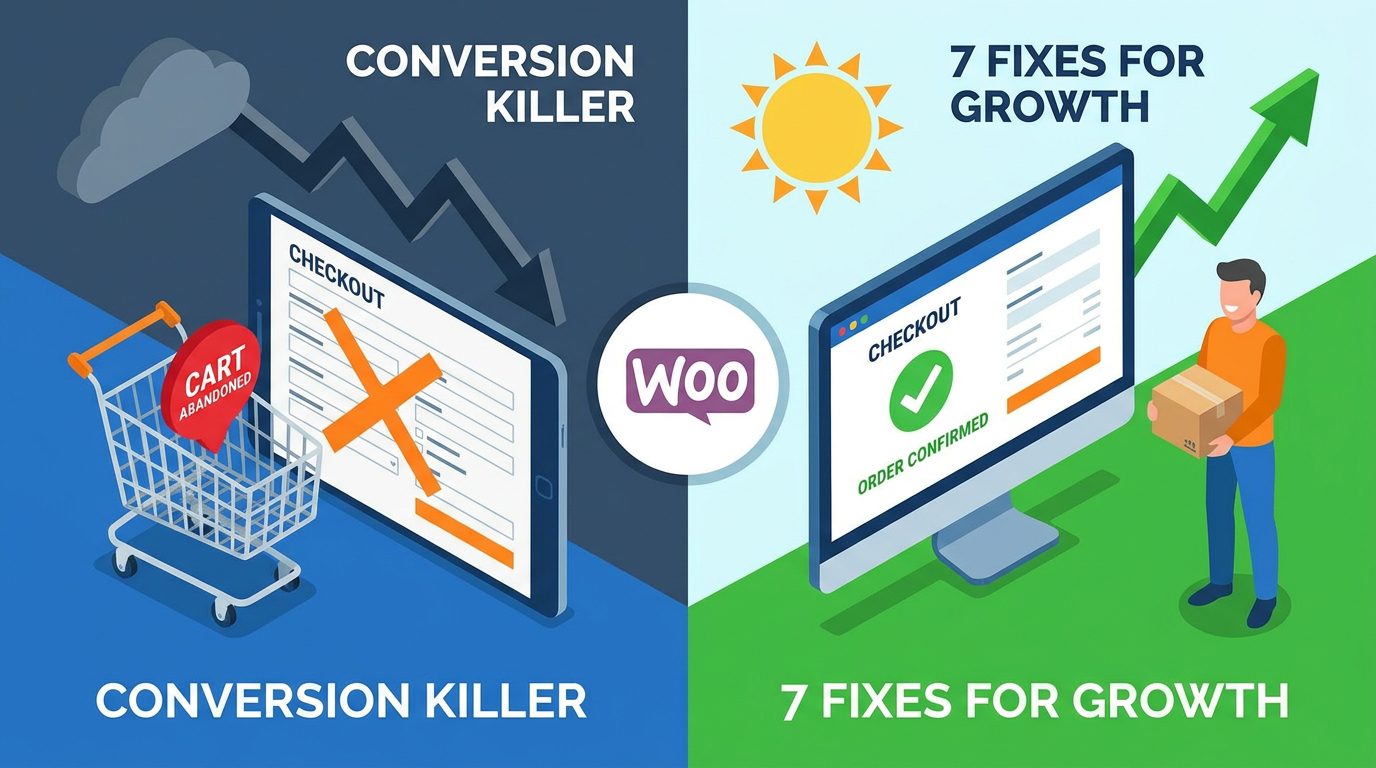
Most online store owners focus heavily on driving traffic. They invest in ads, SEO, and social media, hoping to attract more visitors. But here’s the hard truth: traffic means nothing if your checkout process is broken. The checkout is where money is made or lost, and even small issues can cause big conversion drops.
Think about your own behavior when shopping online. If a checkout page feels slow, complicated, or confusing, you probably leave. Your customers do the exact same thing. WooCommerce, while powerful, doesn’t always come optimized out of the box. Default settings often create friction that pushes users away at the final step.
Why Customers Drop Off at the Final Step
Checkout abandonment usually happens because users feel overwhelmed or uncertain. Long forms, forced account creation, limited payment options, and slow load times all create hesitation. Even a slight delay can break the buying momentum. Customers want a fast, smooth, and trustworthy experience. If they don’t get it, they leave without completing the purchase.
The Real Cost of a Poor Checkout Experience
A weak checkout doesn’t just reduce sales; it quietly drains your entire business. You might be spending money to bring users in, but losing them right before conversion. That’s wasted effort and budget.
Lost Revenue and Frustrated Users
Every abandoned cart is lost revenue. But it’s more than that. A bad experience also damages your brand. Customers may never return. Worse, they might choose your competitors instead. Improving checkout isn’t just about increasing conversions; it’s about protecting your reputation and maximizing every visitor you already have.
7 Proven Ways to Fix Your WooCommerce Checkout
1. Simplify the Checkout Process
The more steps you add, the more chances users have to quit. A complex checkout feels like hard work, and people avoid it.
Remove Unnecessary Fields
Only ask for what you truly need. Do you really need a company name or multiple address lines? Probably not. Keep the form short and clean. The goal is speed and simplicity, not data collection.
2. Enable Guest Checkout
Forcing users to create an account is one of the biggest conversion killers. Many customers just want to buy and leave.
Reduce Friction Instantly
Guest checkout removes a major barrier. You can always offer account creation after the purchase. This small change alone can significantly improve completion rates.
3. Improve Page Speed
Speed is everything. A slow checkout feels unreliable and frustrating.
Faster Checkout, Higher Conversions
Optimize images, use caching, and reduce unnecessary scripts. Even shaving off a second or two can make a noticeable difference. Fast pages keep users engaged and moving forward.
4. Optimize for Mobile Users
A large portion of shoppers use mobile devices. If your checkout isn’t mobile-friendly, you’re losing sales.
Design for Small Screens
Use large buttons, simple layouts, and easy input fields. Avoid clutter. Make it effortless to complete a purchase with one hand. Mobile optimization is no longer optional.
5. Add Trust Signals
At the checkout stage, customers are sharing sensitive information. Any doubt can stop them.
Build Confidence at Checkout
Show security badges, clear return policies, and payment protection notices. Simple visual cues reassure users that their data is safe and the purchase is risk-free.
6. Offer Multiple Payment Options
Not everyone wants to pay the same way. Limited options can lead to abandoned carts.
Give Users Flexibility
Include popular payment methods like cards, digital wallets, and local options. The easier it is to pay, the more likely customers will complete the purchase.
7. Use Cart Recovery Strategies
Not every abandoned cart is lost forever. Some users just need a reminder.
Win Back Lost Customers
Send follow-up emails or reminders. Offer small incentives if needed. Timing matters here. A well-placed reminder can bring users back and recover lost revenue.
Comparison Table: Before vs After Optimization
| Factor | Poor Checkout | Optimized Checkout |
|---|---|---|
| Form Length | Long and complex | Short and simple |
| Speed | Slow loading | Fast and responsive |
| Mobile Experience | Difficult to use | Smooth and intuitive |
| Payment Options | Limited | Multiple choices |
| Trust Level | Low confidence | High trust signals |
| Conversion Rate | Low | Higher conversions |
Conclusion
Your WooCommerce checkout is not just a final step; it’s the most critical part of your sales funnel. You can have the best products and strong marketing, but a poor checkout experience will quietly destroy your conversions. The good news is that most issues are fixable.
By simplifying the process, improving speed, enabling guest checkout, and building trust, you remove the barriers that stop users from completing their purchase. Small changes can lead to big results. Instead of chasing more traffic, focus on converting the traffic you already have. That’s where real growth happens.
FAQs
1. Why do customers abandon checkout in WooCommerce?
Most users leave due to complex forms, slow loading times, or lack of payment options. Friction at the final step pushes them away.
2. Is guest checkout really important?
Yes, it removes a major barrier and allows users to complete purchases quickly without creating an account.
3. How can I speed up my checkout page?
You can optimize images, reduce plugins, and use caching to improve loading speed.
4. What payment methods should I offer?
Offer a mix of card payments, digital wallets, and region-specific options to cover more users.
5. Can abandoned carts be recovered?
Yes, using email reminders and incentives can bring back customers and recover lost sales.